

Screenshots
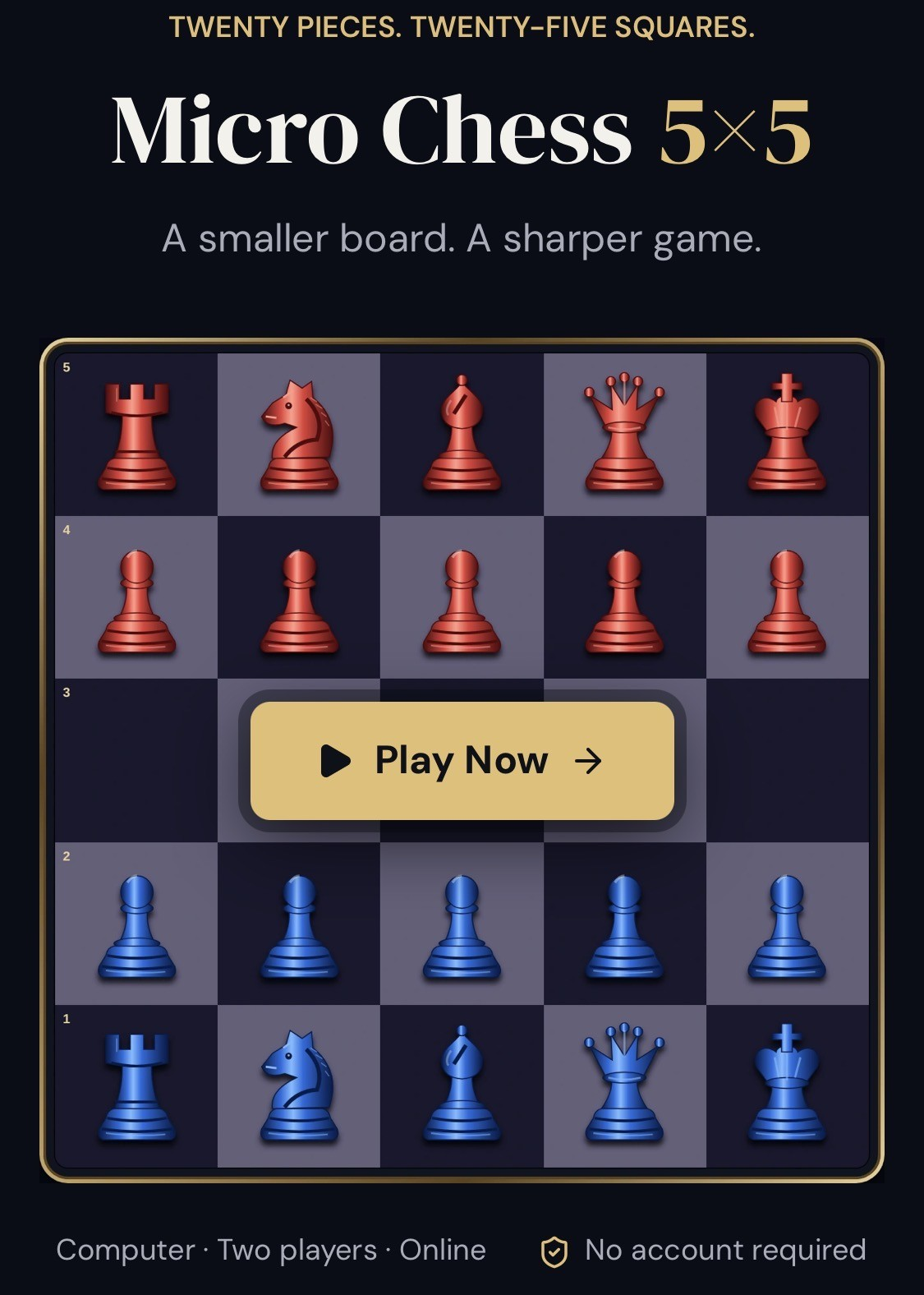
About Micro Chess 5×5
Micro Chess 5×5 is chess on a small board, so games are quick and every move counts. Set up your pieces in secret, flip a coin, and play.
Play against the computer, challenge someone on the same device, or play online by link, code or random match.
What you get
- Secret piece setup and coin toss
- Play the computer
- Two players on one device
- Online play by link or random match
- 3 free games every day, any mode
- One-time $5 unlock for unlimited games
- Coming soon to iPhone, iPad and Android
Add it to your home screen
Micro Chess 5×5 is coming to the Apple App Store and Google Play in the next few weeks. Until then, play the web version now: 3 free games a day, or own it for $5. Open it in your browser, then save it to your device and it opens like any other app, with its own icon.
iPhone and iPad Safari
- Open the app in Safari.
- Tap the Share button (the square with an arrow).
- Choose Add to Home Screen, then tap Add.
Android Chrome
- Open the app in Chrome.
- Tap the menu (three dots) at the top right.
- Choose Add to Home screen or Install app, then confirm.
Windows and Mac Chrome or Edge
- Open the app in Chrome or Edge.
- Click the install icon at the right end of the address bar, or open the menu and choose Install.
- Confirm. It is added to your desktop, taskbar or Dock. In Safari on a Mac, use File > Add to Dock.